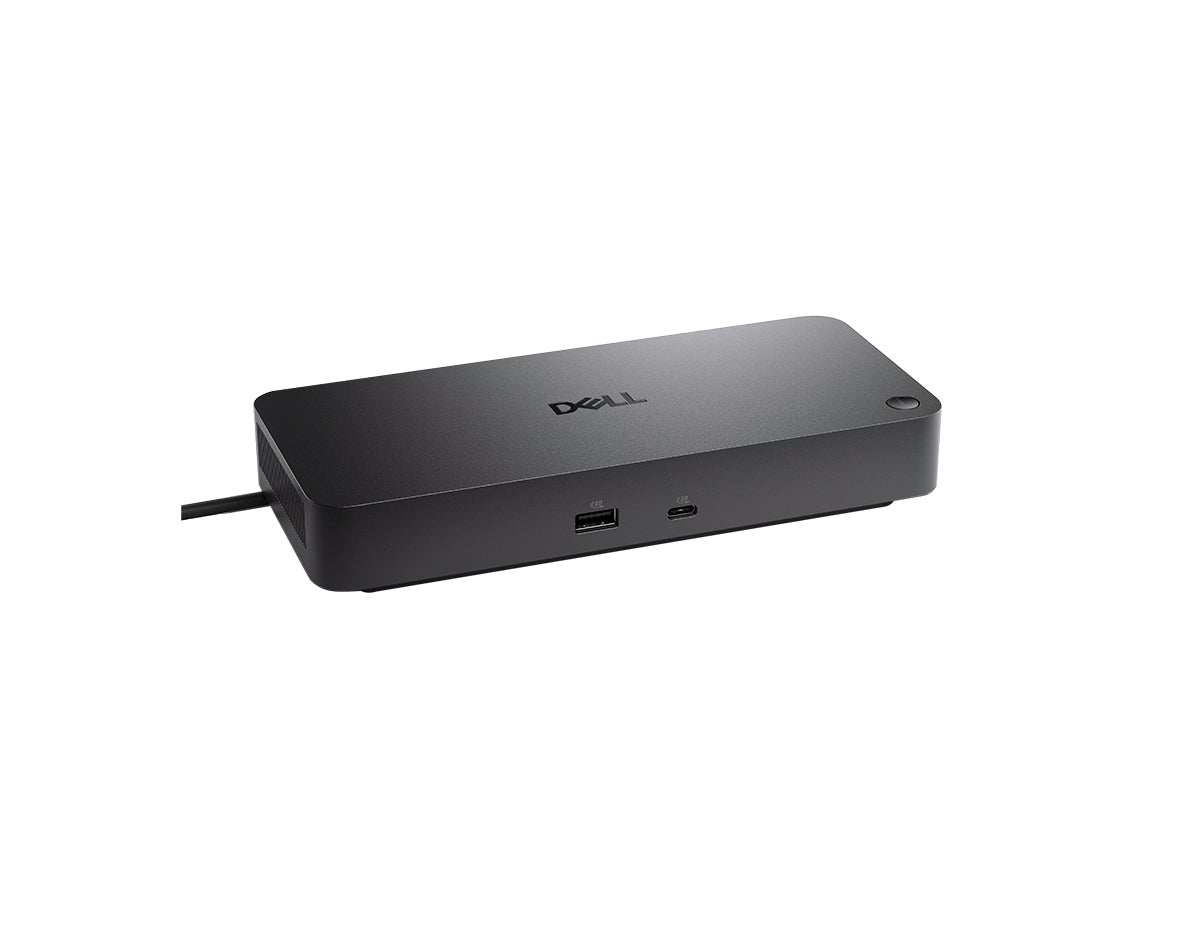
Dell Pro Dock WD25 Docking Station
USB Type-C docking interface, up to 100W power delivery, support for up to four displays, 2.5 Gigabit Ethernet, and enterprise-grade dock management.
Price

1-Year Manufacturer Warranty

Free Shipping on Orders Over $500

Secure Payment
USB Type-C docking interface, up to 100W power delivery, support for up to four displays, 2.5 Gigabit Ethernet, and enterprise-grade dock management.
| Model | Dell Pro Dock WD25 |
| Product Type | Docking Station |
| Docking Interface | USB Type-C with DP Alt Mode Connector |
| Power Adapter | 130 Watt AC |
| Power Delivery (Dell Notebooks) | Up to 100 Watt |
| Power Delivery (Non-Dell Systems) | Up to 96 Watts |
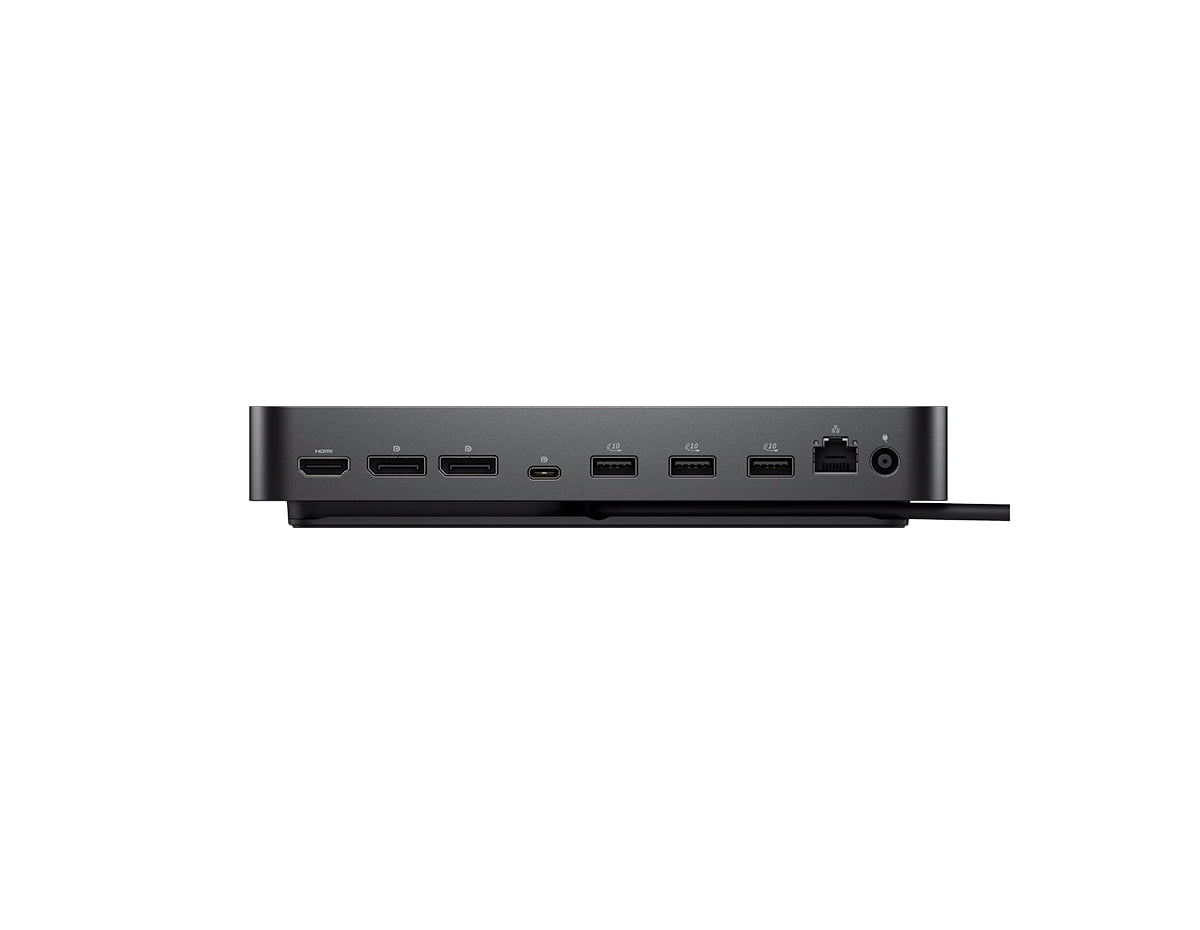
| Networking | 2.5 Gigabit Ethernet (RJ45) |
| Video Outputs | 2 x DisplayPort 1.4; 1 x HDMI 2.1; 1 x USB-C Multi-function DisplayPort 1.4 |
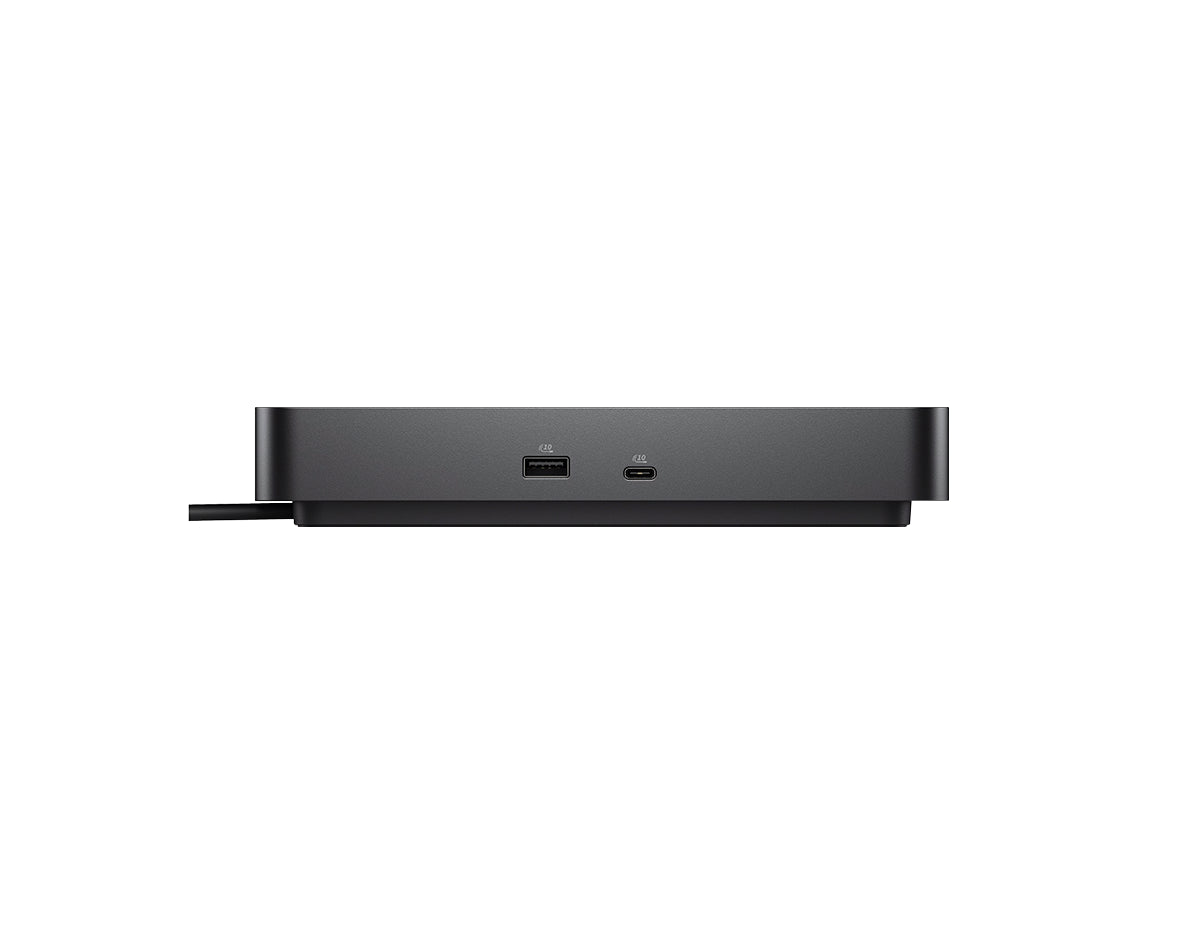
| USB Ports (Data Only) | 4 x USB-A 3.2 Gen 2 (10 Gbps); 1 x USB-C 3.2 Gen 2 (10 Gbps) |
| USB Ports (Power) | 4 x USB-A 3.2 Gen 2 (4.5W each); 1 x USB-C 3.2 Gen 2 (15W); 1 x USB-C Multi-function DisplayPort (7.5W) |
| Security Slot Type | 1 x Kensington lock slot; 1 x Wedge-shaped lock slot |
| LED Indicators | Power Button LED; RJ45 LEDs |
| Dimensions | 205mm x 90mm x 35.25mm (8.07in x 3.54in x 1.39in) |
| Dock Weight (Without Power Adapter) | 550 g (1.21 lb) |
| Cable Length | 0.9 m |
| Supported Operating Systems | Windows 10; Windows 11; Ubuntu 24.04; Red Hat Enterprise Linux 9.6+; ChromeOS 137 |
| Display Support (DP1.4 without DSC) | Up to: 4 x SXGA(1280×1024)@60Hz; 3 x FHD(1920×1080)@60Hz; 2 x QHD(2560×1440)@60Hz; 1 x 4K(3840 x 2160)@60Hz |
| Display Support (DP1.4 / DP2.1 with DSC) | Up to: 4 x WQHD(3440 x 1440)@60Hz; 3 x WQHD(3440 x 1440)@60Hz; 2 x 5K(5120 x 2160)@60Hz; 1 x 6K(6144 x 3456)@60Hz |
| USB-A Ports (Data) | 4 x USB-A 3.2 Gen 2 (10 Gbps) |
| USB-C Ports (Data) | 1 x USB-C 3.2 Gen 2 (10 Gbps) |
| USB Power Delivery (Ports) | All deliver power with or without PC |
| Host PC Management | MAC address pass-through; PXE Boot; Dock Power Button Sync; Wake-On-LAN; WLAN to LAN switch; Kernel Direct Memory Access (DMA) protection |
| Host Software (Windows) | Dell Firmware Utility; Dell Display and Peripheral Manager; Dell Command Update |
| Dock Management Features | Host PC based firmware update; Firmware update on disconnect; Port disablement |
| Cloud Management (via Host PC Software) | Dell Device Management Console enables: Automatic or scheduled firmware updates; Maintain specific firmware version or downgrade; Peripheral inventory and status |
| Cloud Management Enrollment | Dell Display and Peripheral Manager; Dell Management Agent |
| Included | Docking station; Power adapter and power cord; Documentation (Quick Start Guide, Safety, Environmental, and Regulatory Information) |
| Cable Lock | Sold separately |
Power and Connectivity Built for Modern IT Workspaces
The Dell Pro Dock WD25 is engineered to support today’s AI PC and multi-display environments with reliable power delivery, broad device compatibility, and centralized IT control. Designed for Dell and non-Dell systems, this USB-C docking station simplifies workspace connectivity while delivering enterprise-grade performance and manageability.
Key Benefits and Features
- High Power Delivery: Provides up to 100W of power to Dell commercial notebooks and up to 96W to non-Dell systems using a 130W AC adapter.
- Advanced Multi-Display Support: Supports up to four external displays with configurations reaching up to 6K resolution using Display Stream Compression.
- Enterprise-Grade Networking: Integrated 2.5 Gigabit Ethernet enables faster wired connectivity for data-intensive business environments.
- Centralized Dock Management: Enables firmware updates, port control, and inventory tracking through Dell Device Management Console.
- Thoughtful and Durable Design: Features a reinforced USB-C connector and an ambidextrous cable that routes left or right for clean desk setups.
Ideal Use Cases
- Enterprise office and corporate workstation deployments
- IT-managed laptop fleets with centralized dock control
- Multi-monitor productivity and engineering workstations
- Hybrid and hot-desk environments
- Organizations standardizing USB-C docking across brands
Technical Specifications
- Docking Interface: USB Type-C with DisplayPort Alt Mode
- Power Delivery: Up to 100W for Dell systems, up to 96W for non-Dell systems
- Video Outputs: 2x DisplayPort 1.4, 1x HDMI 2.1, 1x USB-C DisplayPort
- USB Ports: 4x USB-A 3.2 Gen 2 data, 1x USB-C 3.2 Gen 2 data
- Powered USB Ports: All ports deliver power with or without PC connection (up to 15W via USB-C)
- Networking: 2.5 Gigabit Ethernet RJ45
- Dimensions: 205 x 90 x 35.25 mm
- Weight: 550 g without power adapter
- Supported OS: Windows 10, Windows 11, Ubuntu 24.04, Red Hat Enterprise Linux 9.6+, ChromeOS 137
Upgrade Your Workspace with Confidence
Deploy a future-ready docking solution that delivers power, performance, and IT control at scale. Order today.
Enterprise IT Solutions – Trusted IT Equipment from Leading Brands
From servers to switches — everything your business needs under one roof

Related Products
Enterprise networking, security, and compute solutions from trusted brands
$205.00
$310.00
$640.00
Original price was: $720.00.$545.00Current price is: $545.00.
$142.00