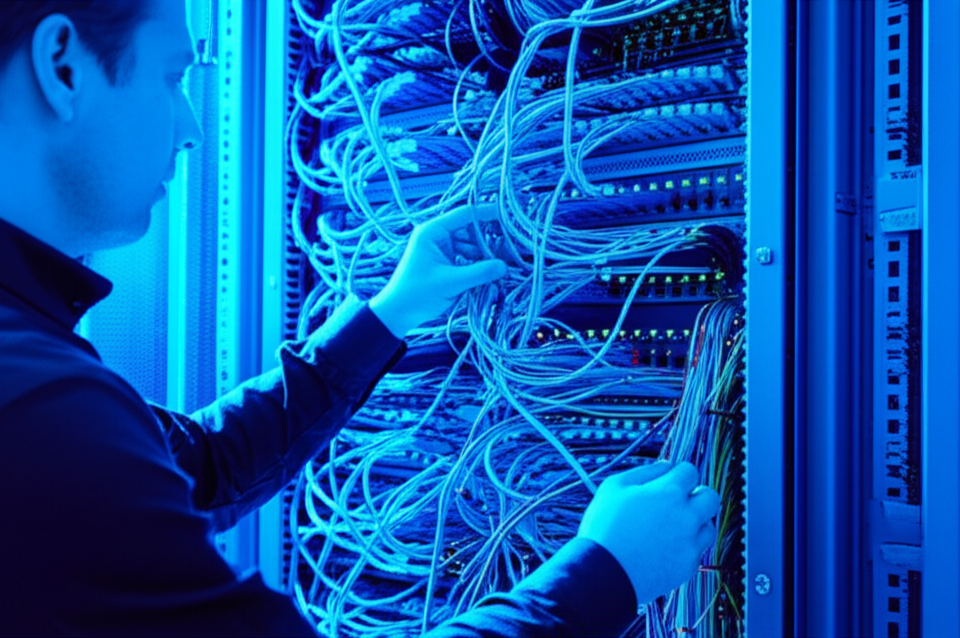
Nobody gets excited about cables. But bad cabling causes more network problems than any single piece of equipment. If your server room looks like a bowl of spaghetti, you’re paying for it in downtime, troubleshooting hours, and headaches.
Why Cabling Matters More Than You Think
Your network is only as reliable as its physical layer. A kinked fiber, a bad crimp, or a cable run that’s too long will cause intermittent failures that are maddeningly difficult to diagnose. We’ve spent hours troubleshooting “network issues” that turned out to be a crushed cable under a desk.
Cat6 vs. Cat6A vs. Fiber
- Cat6 — Supports 10 Gbps up to 55 meters. Fine for most office runs under 55 meters to the desktop.
- Cat6A — Supports 10 Gbps up to 100 meters. The standard for new installations. Future-proof and not much more expensive than Cat6.
- Fiber — Required for long runs (between buildings, between floors), high-bandwidth connections (server-to-switch uplinks), and environments with electrical interference. Single-mode for long distances, multimode for shorter runs within a campus.
Best Practices We Follow
- Home runs to a patch panel. Every drop runs back to a central patch panel in the server room. No daisy-chaining, no switches hidden in ceiling tiles.
- Label everything. Both ends of every cable. The patch panel port and the wall jack. When something breaks at midnight, labels save hours.
- Cable management. Velcro ties (never zip ties on data cables), proper cable trays, and dress cables in the rack. It’s not about aesthetics — it’s about airflow, accessibility, and not accidentally unplugging something.
- Test every run. Fluke certification on every cable. We don’t guess — we verify that every run meets spec.
- Leave headroom. Install more drops than you need today. It’s cheaper to pull extra cables now than to bring a crew back later.
Planning an office buildout or renovation? Let us design your cabling infrastructure.